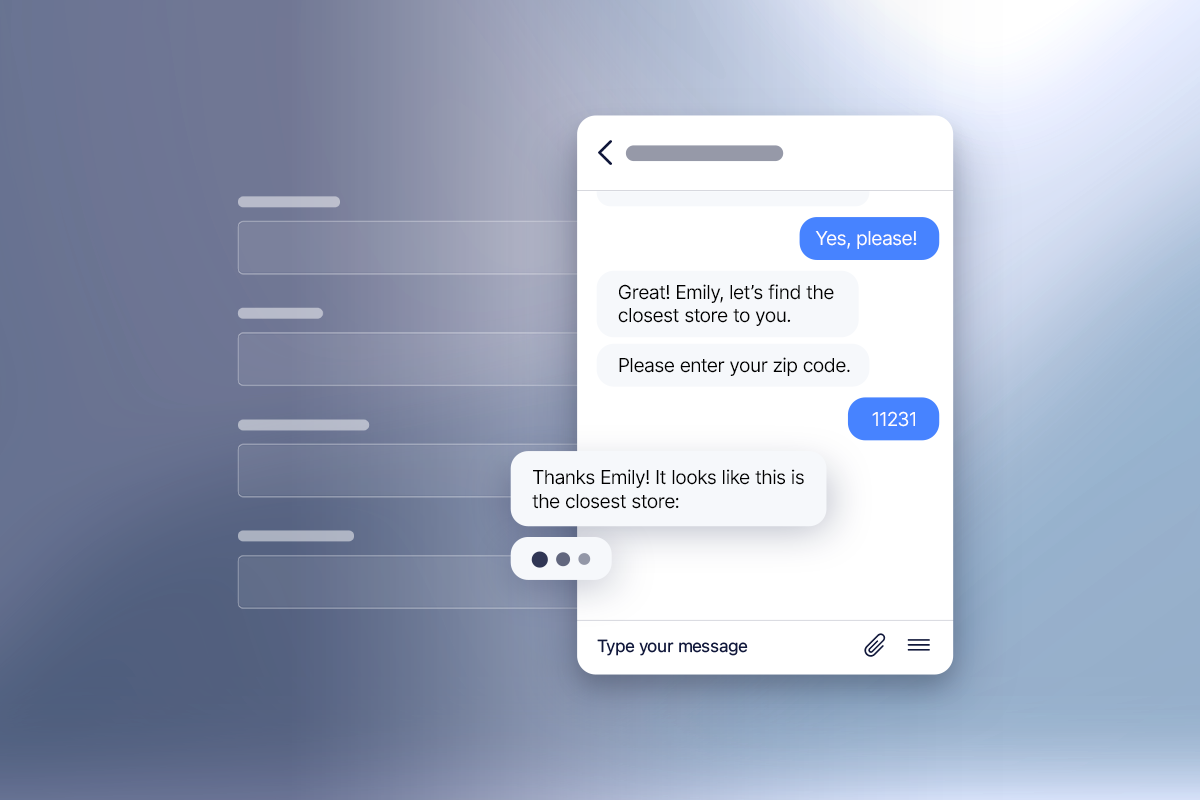
We talk a lot about outbound messaging here on the Quiq blog. And it’s easy to make connections between better CX, more revenue, and outbound messaging across many different industries.
But there’s one industry in specific that benefits from outbound SMS messaging that we don’t talk about nearly enough: field services.
The field services industry relies heavily on phone calls and other cumbersome technologies to connect the home office, field agents, and customers. Yet we’ve seen just how effective it can be to adopt outbound messaging in place of the good ‘ol telephone: Just ask Terminix.
Continue reading to see how to use outbound SMS to increase efficiency, sales, and customer satisfaction in your field services business.
Why Terminix was itching to make the switch.
Terminix, which helps businesses and residents get rid of common household pests, needed a better way to manage outbound calls to their customers. So they switched from phone calls to Quiq’s outbound messaging for appointment scheduling and other customer communications.
The problem with phone calls.
Many businesses—especially in the field services industry—rely on phone calls for most of their customer communications. We get it. Calls are an easy way to connect instantly with your customers. But they come with their own set of challenges.
1. Calls are inefficient.
According to Verizon’s Fleet Technology Trends Report, 44% of surveyed field services companies say costs were their biggest challenge in 2021. There’s no denying that the inefficiency of phone calls leads to increased costs.
You typically have two options when managing phone calls. You either have your field agents call customers (usually to confirm time, location, and availability), or you centralize your phone operations to your home office. Neither is an elegant solution.
The success of your field service agents relies entirely on how many visits they can make in a day. Asking them to stop and make phone calls does the complete opposite. Not only do the phone calls take time (especially when talking to especially chatty customers), but it also increases the chance of interruptions. If customers call back in the middle of a job, that hinders your field agents’ productivity.
Centralizing calls in your home office or using a dispatch service is another popular option that comes with its own set of frustrations. While it leaves your field agents to work uninterrupted, it requires dedicated staff. Paying staff salaries adds to your costs. Plus, having a large home office staff means you have to manage staffing issues, balancing the number of staff members you have between your slow and busy seasons.
2. Calls are harder to track.
Who manages your calls? Whether it’s your field agents, home office, or a mix of both, the more people you have making and receiving calls, the harder it is to track.
But you should be tracking your numbers. Whether you’re calling to remind customers about their existing appointments, scheduling new visits, or notifying them of changes, you should track your numbers. Call volume can help you forecast staffing needs (instead of using the It feels busy, we should hire more method). Tracking call times can help you determine how efficient your team is. There are vital metrics that are difficult to measure without expensive call-tracking tools.
3. Customers don’t like phone calls.
It’s no secret that Millennials and Gen Z despise talking on the phone. The memes and the Tiktoks are abundant. And almost no one these days answers calls from numbers they don’t recognize. So spending time calling to reach new and younger customers is like rolling a boulder uphill.
And when customer service is so important, concerns like preferred communication methods are vital. According to Verizon, 40% of field services businesses report customer demands as one of their biggest challenges in 2021. And it makes sense since 94% of customers say how a brand treats them is their most important buying decision.
Using a communication method customers prefer will make them more likely to see it and respond—and view your brand more favorably overall.
We know what you’re thinking. Okay, but what about emails? Why can’t we just use what every other business uses on a daily basis to interact with our customers?
And you’re not wrong. Every business uses email communication in some form. But that’s just the problem. Sending appointment reminders via email means it’s going to be in among the retail sales and the tech newsletters and the work communications and the endless notices from kids’ schools and… *enhancement* emails that somehow managed to slip through the junk mail filter. The odds of your customer seeing that email and opening it are stacked against you.
The benefits of switching to text messaging.
Switching to text messaging is a huge change in operations, so for a business like Terminix (and many others), ROI has to be huge. Here are some of the benefits you can expect from switching from phone calls to SMS text messaging.
Increase open rates with text messaging.
Whether you’re sending appointment reminders or notifying customers of a discounted service, it won’t matter if they don’t see them. Email open rates run anywhere from 3% to 30% depending on whose stats you use, and standing out in a crowded inbox is just plain hard to do.
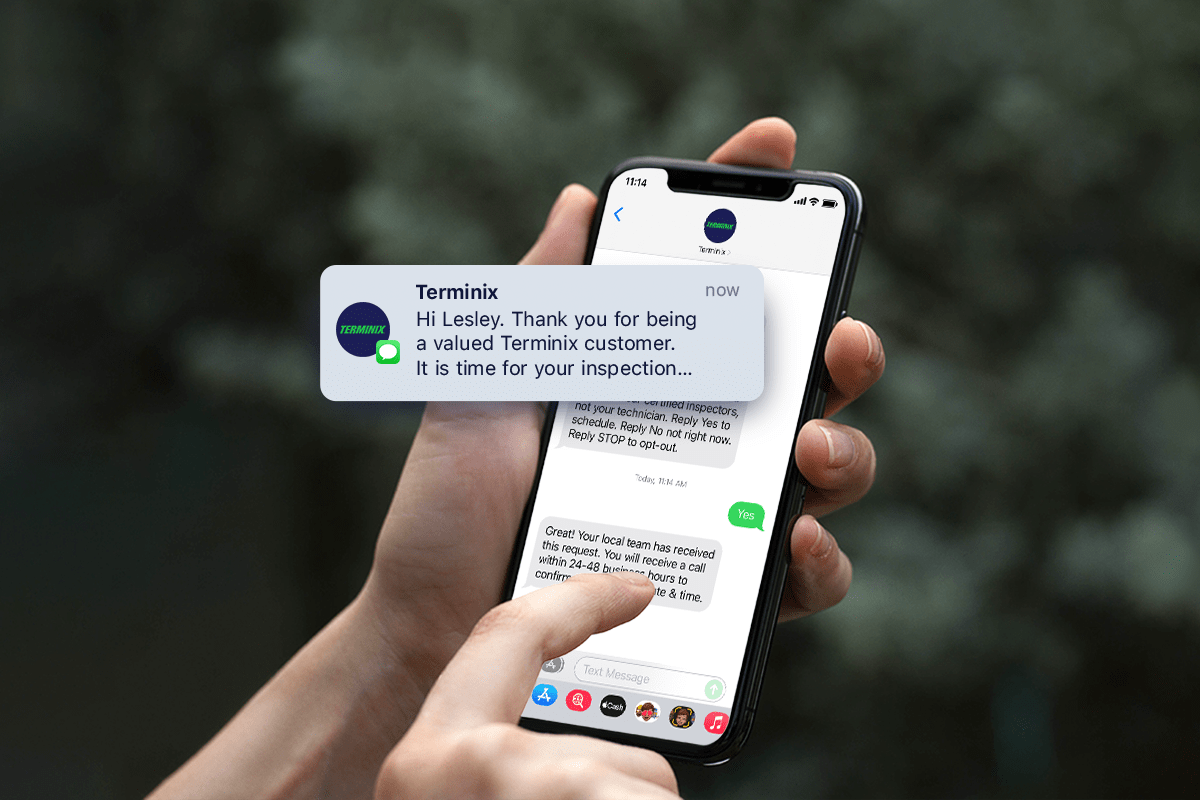
Text messages don’t have that problem. Terminix, for example, uses rich text messaging to connect with its customers, and to date, it boasts a 100% open rate. If nothing else, customers will actually read your outbound text messages.
Service on your customers’ terms.
Customers don’t always want to engage with your team—but then again, sometimes they do! Terminix was able to use Quiq’s AI technology to let the customers lead the conversation. Customers got to decide if they wanted to communicate via text, when, and how often.
More efficient field services management.
Using automations and Quiq’s chatbots, staff will spend less time on transactional phone calls (like appointment setting, rescheduling, reminding, etc.) and more time providing value to your customers. Chatbots can handle everything from appointment scheduling to answering simple questions, while your team can focus on deploying field agents and solving more complex customer issues.
Plus, instead of contacting customers on a one-to-one basis, your team can pick and choose how to connect with customers. With Quiq, your team can deploy text messages to thousands of your customers at once or send a personalized message to one customer.
How does outbound text messaging work?
So how will you actually use outbound text messaging to reach your customers? Take a look at these examples.
Send appointment reminder texts.
Sending SMS reminders is a great way to notify customers of upcoming appointments without draining your staff’s time. Automatically send appointment reminders, and give customers the option of canceling or rescheduling without involving your team.
Customers get to communicate how they want, asynchronously, and you’ll have fewer no-shows as a result.
Increase sales with texts.
The fastest way to more revenue is to keep current customers coming back. Employ bots and automation to send regular appointment reminder text messages so customers never go too long without their next appointment.
Terminix took its sales pipeline to the next level with outbound messaging. They used chatbots to engage with cool and warm leads so customers could respond in their own time. When those leads didn’t respond, they used customer service agents to follow up.
By adding Quiq’s outbound messaging, Terminix saw $7M in ROI in just 9 months.
Boost efficiency with SMS notifications.
Sending a “time for service” reminder text message is a great way to generate more revenue, but if you use them strategically, it can increase field efficiency, too. For example, you can send out service reminders to customers in one geographic area to group them together. You’ll save on fuel costs and commute time without changing anything fundamental in your business.
You can also use it as a sales tool. Once you’ve booked one service in a geographic area, send out text message reminders to other customers in that area to generate more revenue. You can even pass along the fuel savings to your customers with a special discount if they book on a certain day you’re already in the area.
Put “service” back into field services.
The weight of customer expectations hang heavily over the field services industry. With rising demands and changing preferences, traditional methods of communication just can’t cut it anymore.
Companies that opt for outbound messaging, like Terminix, will see big rewards in both efficiency and revenue. Don’t hesitate to ditch voicemails and embrace the text.