Key Takeaways
- Businesses can now start the conversation. Apple’s new update lets companies send approved messages to customers without waiting for them to reach out first.
- Limited to approved use cases. It currently applies to things like order updates or offering to switch a phone call to messaging.
- A smoother experience for everyone. Customers get faster updates, and businesses can reduce call volume while improving response times.
- Privacy and accessibility are built in. Apple doesn’t read messages, and non-iPhone users will still receive messages through SMS.
- Requires an approved provider. Businesses need to work with an Apple-approved partner, like Quiq, to use this feature.
In mid-September 2024, Apple announced an exciting improvement to Messages for Business called Business Updates that will allow your business to proactively contact your customers in specific use cases—improving the customer experience, security, and making it easier for you to connect with your customers.
What is Apple Messages for Business?
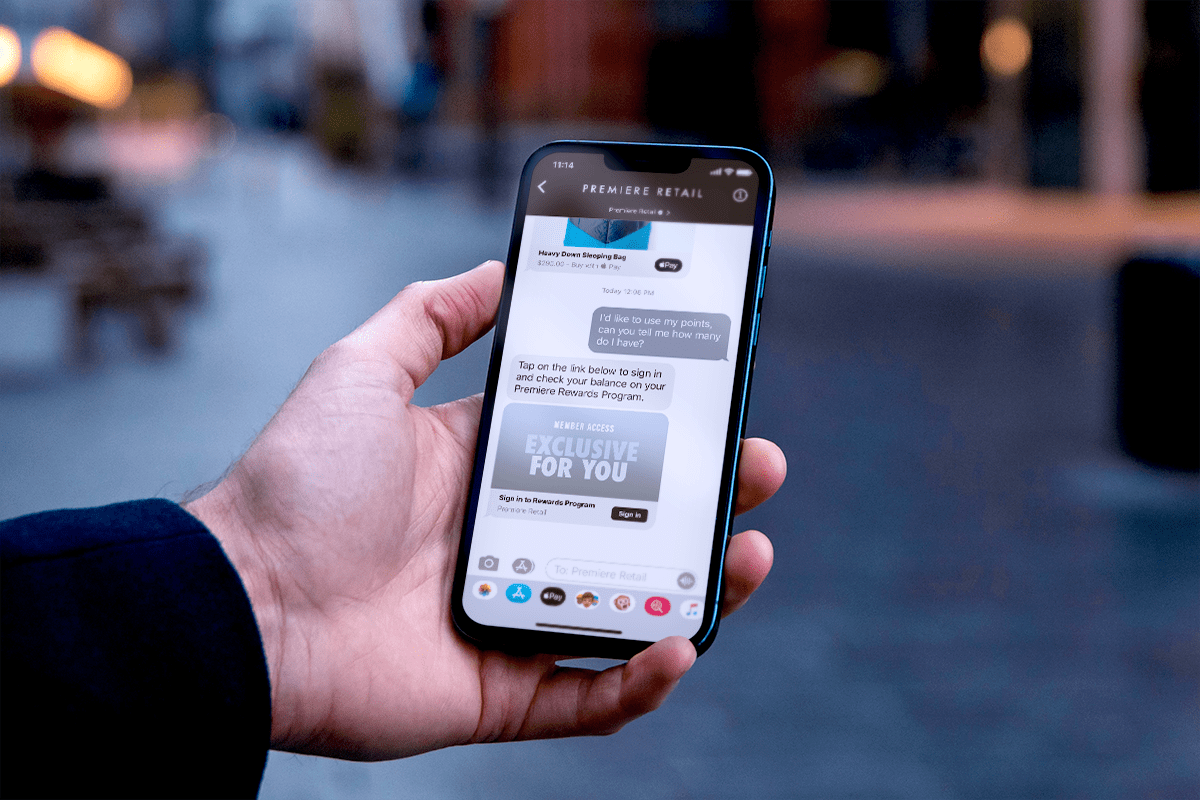
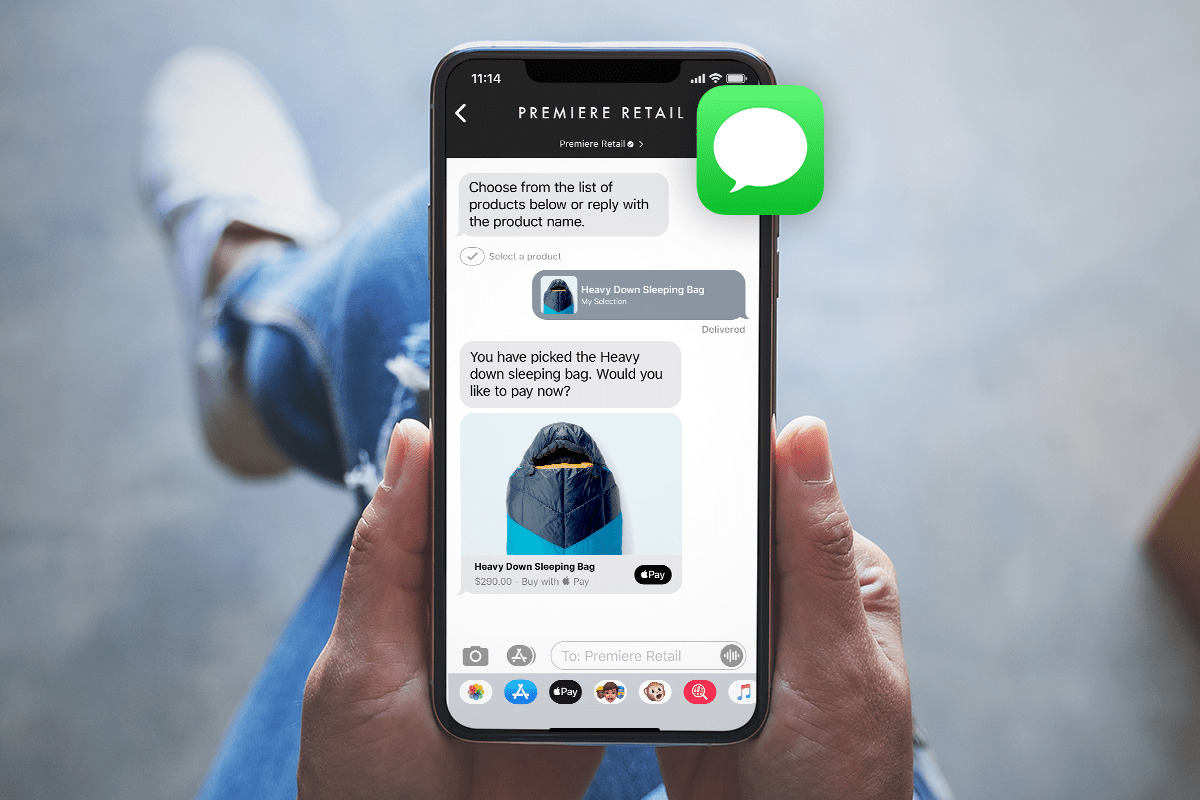
As you’re no doubt aware, one of the most used apps on an iPhone is the Messages app. Apple Messages for Business is the technology that makes it possible for businesses to interact with their customers using Apple Messages. For customers, their conversations with businesses live alongside their other messages with other Apple devices (blue blurbs) and SMS messages (green blurbs) and work just like any other conversation.
This is a powerful way for contact centers like yours to reach the more than 1 billion people worldwide who use iPhones for daily communication, so it’s worth paying careful attention to.
Apple’s Big Announcement – Business Updates
Business Updates will allow you to reach out to your customers proactively, in a private and secure way, utilizing just their phone number and Apple’s pre-approved templates.
This will have positive impacts on both customer experience and your business. As you can see, there’s no downside here—which is why we’re so excited about it!
1. How will Business Updates Improve Customer Experiences?
Previously, Apple provided a world-class branded experience for businesses to message with their customers right inside the Messages app everyone is used to. In order to prevent spam and protect privacy, Apple previously required that customers send the first message. This limited the use cases for Apple Messages for Business to inbound customer support questions. As compared to SMS, this eliminated the ability to send proactive notifications, such as order updates.
Apple Business Updates lets businesses send proactive messages to customers—and it protects against spam by only allowing this option for approved use cases. This is great for business, too: a little over 60% of customers have stated they want businesses to be more proactive in reaching out, and (in a charming coincidence), offering text messaging can reduce per-customer support costs by about 60%. It’s nice when things work out like that!
Let’s say a little bit more about those use cases. Initially, Apple is focused on sending proactive, business-initiated messages related to orders, but a “Connect Using Messages” notification is also supported, which businesses can use to switch phone calls to Apple Messages.
The data indicates that IVR is a sensible self-service option, but this ability to switch will give customers the choice to switch channels from a call to text messaging, meaning you can better meet them where they are and meet their preferences.
This is all done using templates. The full list can be found in Apple’s documentation, but here are a few samples. The first two are examples of “Connect Using Messages” which could be used to offer a customer the option to switch a phone call to messages:

2. How will the Apple Messages for Business Update Improve Your Business?
Now, let’s turn to the other side of the equation, the impact of the announcement on your business operations.
Apple has released Business Updates in iOS 18, the newest iPhone operating system that was announced in September 2024, allowing businesses that work with an Apple Messaging Service Provider (MSP), like Quiq, to initiate a conversation with a customer from their branded experiences. Order updates and converting calls to messaging (discussed above) are two obvious early use cases.
Consistent with Apple’s commitment to security, Apple does not read messages or store conversations. In a world more and more besieged by data breaches, hacks, and invasions of privacy, your users need not fear that Apple is using the messages inappropriately.
A final note: Android devices, or devices that do support Apple Messages for Business, will automatically fall back to SMS when messages are sent in Quiq. This means that you can configure your business processes to send notifications to all customers and Quiq will make sure they are delivered on the best possible channel.
The Future of Apple Messages for Business
Contact centers and CX teams are always looking for new ways to better meet customer needs, and this announcement opens up some exciting possibilities. You can now reach out in more ways and integrate more robustly with the rest of the Apple ecosystem, leading to a reduction in distraction and search fatigue for your users—and a reduction in expenses for you.
If you want to learn more about how Quiq enables Apple Messages for Business, you can do that here.
Frequently Asked Questions (FAQs)
What is Apple’s new Business Updates feature?
Apple’s Business Updates feature allows companies to send approved, proactive messages to customers through Apple Messages for Business – without requiring the customer to start the conversation.
What types of messages can businesses send?
Right now, proactive messages are limited to Apple-approved use cases like order updates, appointment reminders, or offering to switch from a phone call to messaging.
Do customers need to opt in to receive these messages?
Yes. Customers must have shared their phone number and consented to receive messages from the business, ensuring compliance with Apple’s privacy standards.
How does Apple protect customer privacy?
Apple doesn’t read or store message content. All conversations are end-to-end encrypted, and customer data stays private.
What happens if the customer doesn’t use an Apple device?
If the recipient isn’t using an iPhone or iPad, messages will automatically be sent via SMS to ensure they’re still received.
How can businesses get started with Apple Business Updates?
To enable this feature, businesses need to work with an Apple-approved Messaging Service Provider (MSP) like Quiq to handle setup, approvals, and integration.