



AI customer service has reached the point where the interesting question is no longer whether it can answer basic support questions. The better systems can now identify customer intent, pull data from business systems, take approved actions, and hand off complex cases with context intact.
But the gap between a useful AI customer service platform and an expensive chatbot is still huge.
This guide looks at what AI customer service solutions can realistically do in 2026, where they still fall short, and which platforms are worth considering based on how your support team actually works.
TL;DR: the best AI customer support tools in 2026
- Quiq: Best for enterprise teams that want AI agents to resolve customer requests across voice and digital channels while still supporting human agents.
- Chatbase: Best for SaaS and ecommerce teams that want an accessible way to build AI support agents using their own company data.
- Tidio: Best for ecommerce companies and smaller support teams that want AI, live chat, and ticketing in one platform.
- Intercom Fin AI: Best for teams already using Intercom or another established help desk that want to add AI resolution without rebuilding their support stack.
- Forethought: Best for larger support organizations that want AI across resolution, ticket routing, agent assistance, and support analytics.
- Zoho Desk: Best for small and midsize teams, especially companies already using Zoho products.
- Help Scout: Best for smaller support teams that want simple AI answers, shared inboxes, live chat, and knowledge management without enterprise complexity.
- Decagon: Best for enterprise support teams that want advanced AI agents capable of handling complex processes across chat, email, and voice.
- Ada CX: Best for large organizations that need autonomous AI agents across several customer service channels and languages.
- Slite: Best for support teams and AI-driven organizations that want a self-maintaining internal knowledge base their human agents and AI agents can both use as a single source of truth.
What AI customer service solutions can realistically do in 2026
AI in customer service has moved well beyond basic chatbots that answer FAQs. In 2026, the better systems can understand what a customer wants, retrieve information from connected systems, take approved actions, and decide when a person needs to step in.
The important distinction is between answering a question and resolving a request.
A basic chatbot might explain a return policy. An AI agent can check the order, confirm that the item qualifies, start the return, update the relevant system, and tell the customer what happens next.
Here is what customer service teams can realistically automate today.
Resolve common customer requests without an agent
AI agents can take ownership of repeatable requests where the rules and required data are clear.
For example, an ecommerce AI agent could:
- Look up an order using customer information
- Explain why an order has not shipped
- Check whether the customer qualifies for a return or refund
- Submit the approved action through the order management system
- Confirm the outcome to the customer
This goes much further than linking someone to a help center article. The AI is carrying out the customer service process itself.
The best candidates are usually requests your experienced agents already handle using a predictable procedure. Start there before trying to automate unusual edge cases.
Use customer data during the conversation
Modern customer service AI can retrieve information from CRMs, order systems, account databases, product feeds, and other connected systems.
That means a customer can ask where an order is without manually searching for an order number or moving through several menus.
The AI can:
- Identify the customer
- Retrieve the correct account or order
- Pull current status information
- Use that data to respond
- Take the next approved action
The limitation is straightforward. The AI only knows what your systems make available to it.
If customer data is incomplete or fragmented, the AI will inherit those problems.
Take actions inside connected systems
One of the biggest shifts in 2026 is that AI can do work instead of only suggesting what should happen next.
Depending on the permissions you configure, AI agents can:
- Submit returns
- Process eligible refunds
- Update customer information
- Book appointments
- Change reservations
- Create support or CRM records
- Trigger approved workflows
- Check order or account status
For customer service operations, this is where AI becomes much more useful. A conversation that previously required several minutes of agent work can sometimes be completed without human involvement.
Help human agents during harder conversations
Automation does not have to mean removing the human agent.
AI can support agents during live conversations by:
- Finding relevant knowledge base content
- Suggesting responses
- Summarizing account history
- Surfacing company policies
- Recommending the next action
- Completing routine system tasks
- Summarizing the conversation after it ends
This works well for cases that still require judgment but contain repetitive operational work.
Instead of expecting every agent to remember hundreds of policies, the AI can surface the relevant information while the conversation is happening.
Handle conversations across voice and digital channels
AI customer service is no longer limited to web chat.
Customer service teams can now use AI across channels such as:
- Website chat
- SMS
- Messaging apps
- Social messaging
- Voice
- Contact center conversations
Modern voice systems can understand natural speech rather than forcing customers through rigid menu trees. For businesses serving customers in different languages, Lara Translate can help translate FAQs, help-center articles, and support documents, helping teams provide consistent information across markets.
Customers can explain what they need in normal language. The AI can interpret the request, retrieve information, complete supported actions, or transfer the conversation when human involvement is required.
Analyze customer conversations at scale
AI can also work behind the scenes.
Instead of manually reviewing a small sample of interactions, customer service teams can analyze much larger volumes of conversations.
This can help identify:
- Common reasons customers contact support
- Recurring product or service issues
- Customer sentiment
- Escalation patterns
- Policy confusion
- Agent coaching opportunities
- Areas affecting customer satisfaction
This gives customer service operations teams a clearer view of what customers are actually experiencing rather than relying on a small number of reviewed conversations.
Know where AI should stop
The goal should not be to automate every possible interaction.
AI agents still need clear boundaries around what they are allowed to do.
Human involvement is often still appropriate when:
- A request falls outside normal policy
- The customer asks for an unusual exception
- Important information is missing
- The AI cannot confidently determine the correct action
- The issue involves a sensitive complaint
- The consequences of making the wrong decision are high
A practical rollout usually starts with a narrow group of high volume requests.
Give the AI access to the systems required to resolve those requests, define what it is allowed to do, measure the results, and expand from there.
That is the realistic state of AI in customer service in 2026. AI can already handle meaningful customer service work, but successful deployment still depends on good data, clear processes, controlled permissions, and reliable escalation to human agents.
What AI still cannot do for customer service
AI can handle a growing share of customer interactions, but there are still situations where human customer service teams are the safer and more effective option.
The main issue is not whether AI can generate a plausible response. It is whether it can make the right decision when the situation is ambiguous, emotionally charged, unusual, or poorly documented.
Handle every exception correctly
AI works best when the business has clear rules.
Problems appear when customers ask for something that falls outside normal policy.
Examples include:
- A refund request that technically does not qualify, but clearly deserves an exception
- A damaged order with incomplete evidence
- A long term customer asking for special treatment
- A billing dispute involving several previous adjustments
- A request where two internal policies conflict
AI can follow the rules you give it. It is much less reliable when the correct answer requires discretion.
These cases should usually move to a human agent rather than forcing the AI to make a judgment it was never designed to make.
Understand every emotional situation
Modern AI can detect sentiment and respond in a more appropriate tone, but that does not mean it fully understands the customer.
A customer dealing with bereavement, financial hardship, fraud, discrimination, or another sensitive issue may need more than a technically correct response.
The AI might identify frustration correctly while still missing why the situation requires unusual care.
If the goal is to enhance customer service, escalation rules should consider the type of issue as well as the words the customer uses.
Fix bad internal processes
AI cannot compensate for broken support operations indefinitely.
If your agents regularly struggle because policies are unclear, account data is unreliable, or different departments give customers conflicting answers, AI will encounter the same problems.
Connecting an AI system to poor information can actually make those issues more visible because the system can repeat incorrect information much faster.
Before automating a process, ask:
- Is there a clear correct outcome?
- Can the required data be retrieved reliably?
- Does the same policy apply across teams?
- Can the AI tell when the process has failed?
If the answer is no, fix the underlying process first.
Guarantee perfect accuracy
Generative AI systems can still produce incorrect answers.
Good customer service platforms reduce this risk by grounding responses in approved company information, restricting available actions, and defining clear escalation rules. They do not eliminate the risk completely.
This becomes more important when AI can take actions rather than simply provide information.
A wrong answer is inconvenient. An incorrect refund, account change, or cancellation can create real customer service costs.
For higher risk actions, businesses may want stricter rules, confirmation steps, or human approval.
Replace human judgment
Some customer interactions have no obvious right answer.
An experienced agent can weigh account history, customer intent, company policy, previous conversations, and the commercial value of preserving the relationship.
AI can provide information that helps with that decision, but it should not automatically be given authority over every judgment call.
This is especially true when decisions could affect contracts, large payments, account closures, or sensitive customer relationships.
Know information your systems do not contain
AI cannot retrieve information that does not exist or that it cannot access.
If the CRM contains an old phone number, the AI sees an old phone number. If an order system has not updated the shipment status, the AI does not secretly know where the package is.
This is why data quality matters so much.
The performance of customer service AI depends heavily on:
- The information available to it
- How current that information is
- Which systems it can access
- Which actions those systems allow
AI does not remove the need for good infrastructure.
Eliminate the need for human customer service teams
The realistic outcome in 2026 is not a customer service operation with no people.
AI can handle more routine work, assist agents during difficult conversations, and reduce some customer service costs. Human agents still play an important role when situations require judgment, empathy, negotiation, or exceptions.
The more useful question is therefore not, “Can AI replace our support team?”
It is, “Which customer interactions can AI resolve reliably, and which should still go to a person?”
That question leads to much better automation decisions.
The best AI customer service solutions for teams in 2026
The best AI customer service solutions in 2026 go beyond answering simple questions. They can handle customer interactions across multiple channels, connect with existing business systems, and support both automation and human agents.
The tools below differ significantly in how they approach AI agents, support operations, and enterprise deployment. We will look at what each platform does well, where it falls short, and which types of customer service teams it is designed for.
1. Quiq
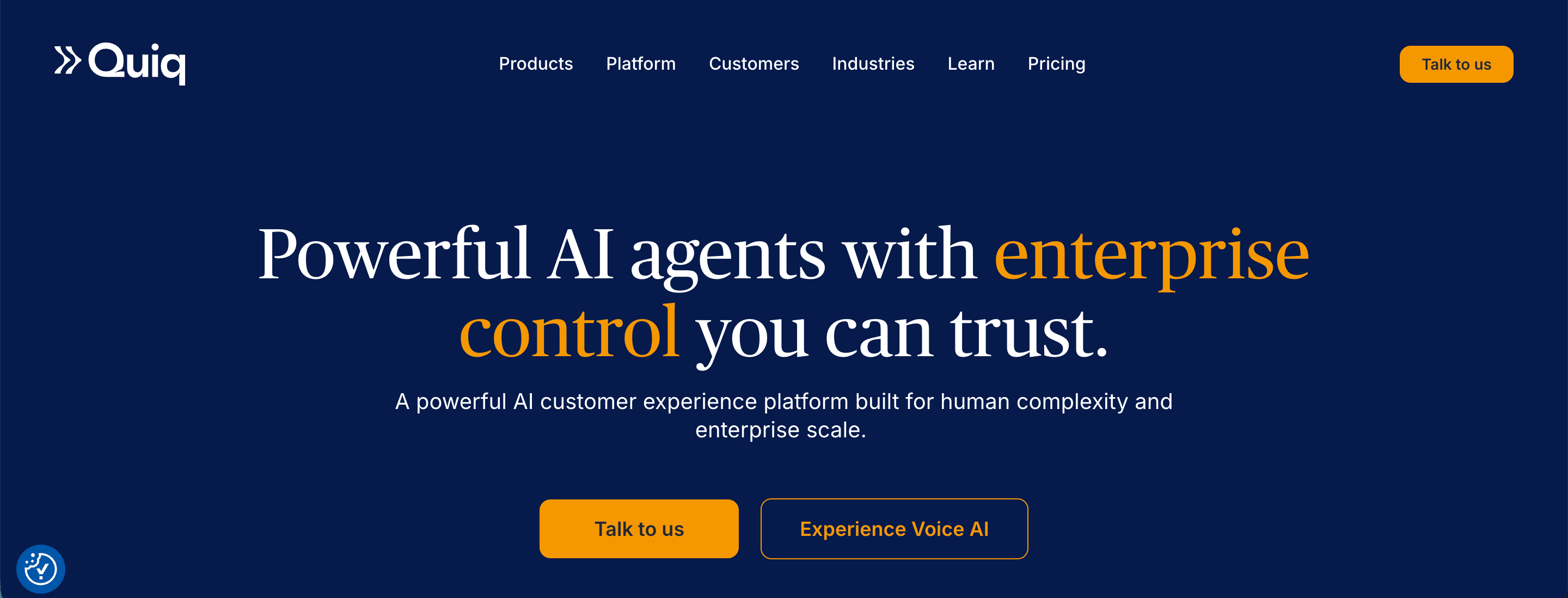
Quiq is an enterprise customer experience platform built around AI agents, AI assistance for human agents, and digital customer service. It is aimed at larger customer service teams that want AI to resolve customer requests and take actions inside business systems, rather than simply answer questions.
Top features
- AI agents that complete customer requests: Quiq AI Agents can connect to business systems through APIs and perform actions such as processing returns, updating accounts, scheduling appointments, and changing bookings.
- One AI agent across voice and digital channels: The same underlying agent can operate across voice, web chat, SMS, email, WhatsApp, Apple Messages for Business, and Google RCS while preserving conversation context.
- Process Guides for controlling AI behavior: Teams can define policies, procedures, escalation rules, and brand standards in natural language so the agent has specific instructions for handling different situations.
- Verify Claim for response checking: Before a response reaches the customer, Quiq can check claims against approved company data and knowledge sources to reduce inaccurate answers.
- AI assistance for human agents: Quiq can give agents live guidance, suggest responses, surface relevant knowledge, and complete actions such as account updates during customer conversations.
- AI Studio for building and testing agents: Teams can create agents using no code, low code, or full code tools. They can simulate conversations before deployment, compare versions, roll back changes, and switch models without rebuilding the agent.
- Direct integrations with business systems: AI agents can connect with CRMs, databases, and other business tools, allowing them to retrieve live customer information and act on it during conversations.
- Full context during human escalation: When an AI agent transfers a conversation, the human agent receives the conversation history and information already collected, so the customer does not have to start again.
Pricing: Quiq uses usage-based pricing, with customers paying according to conversation volume rather than per agent seats or fixed feature tiers.
Book a demo to find out more about pricing and how Quiq can help you automate customer service.
2. Chatbase
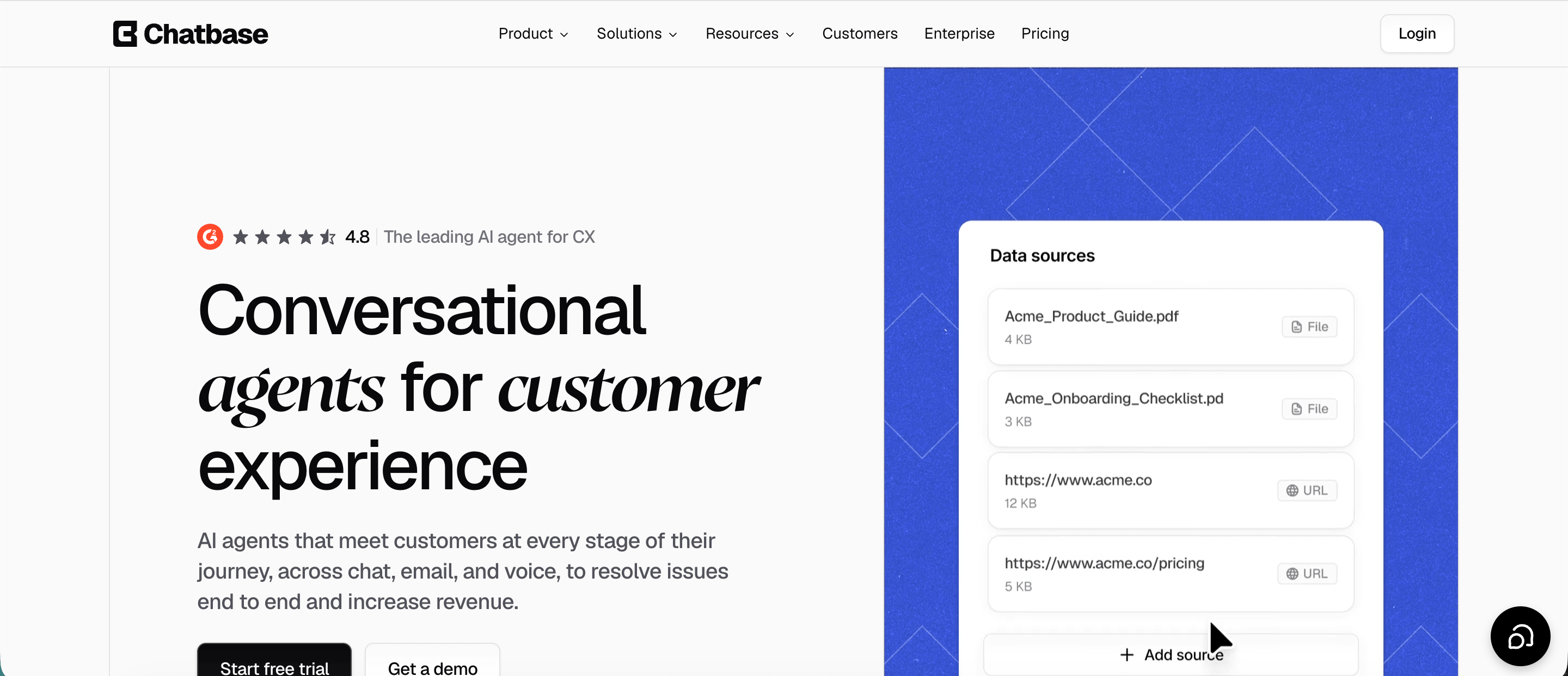
Chatbase is a platform for building customer-facing AI agents that can answer customer inquiries, take actions, and hand conversations to human agents when needed. It is a good fit for SaaS companies, ecommerce brands, and support teams that want accessible AI tools without building their own support infrastructure from scratch.
Top features
- AI agents trained on company data: Teams can connect websites, documentation, files, and other sources so Chatbase can answer questions using approved business information rather than relying only on the underlying language model.
- Actions inside connected systems: Agents can perform tasks such as looking up orders, retrieving invoices, updating subscriptions, and accessing account information through native integrations, APIs, and webhooks. Chatbase also has a Stripe integration for billing and subscription requests.
- Support across chat, email, and voice: The same agent can handle website conversations, inbound support emails, and voice interactions, making it possible to use one AI setup across several customer service channels.
- Personalized support for logged in users: Identity verification lets Chatbase recognize authenticated customers and use account details, preferences, subscription information, and customer history to tailor responses.
- Human handoff and helpdesk support: Teams can connect Chatbase to platforms such as Zendesk and Intercom or use the helpdesk included with Chatbase for conversations that need a person.
- Conversation analytics: Chatbase can automatically analyze customer sentiment and identify recurring topics across conversations. Teams can also track resolution rates, escalations, conversation volume, and satisfaction by channel or topic.
- Backstage conversation analysis: Teams can ask questions about their support conversations in plain English, such as why refund requests increased or what customers mention before cancelling. Chatbase analyzes the conversation history to identify patterns without requiring teams to export a sample first.
Pricing: Chatbase has a free plan with 50 message credits per month. Paid monthly plans currently start at $40 for Hobby, $150 for Standard, and $500 for Pro, while Enterprise uses custom pricing. Features such as voice, personalization, the helpdesk, API access, and advanced integrations begin on the Standard plan.
3. Tidio
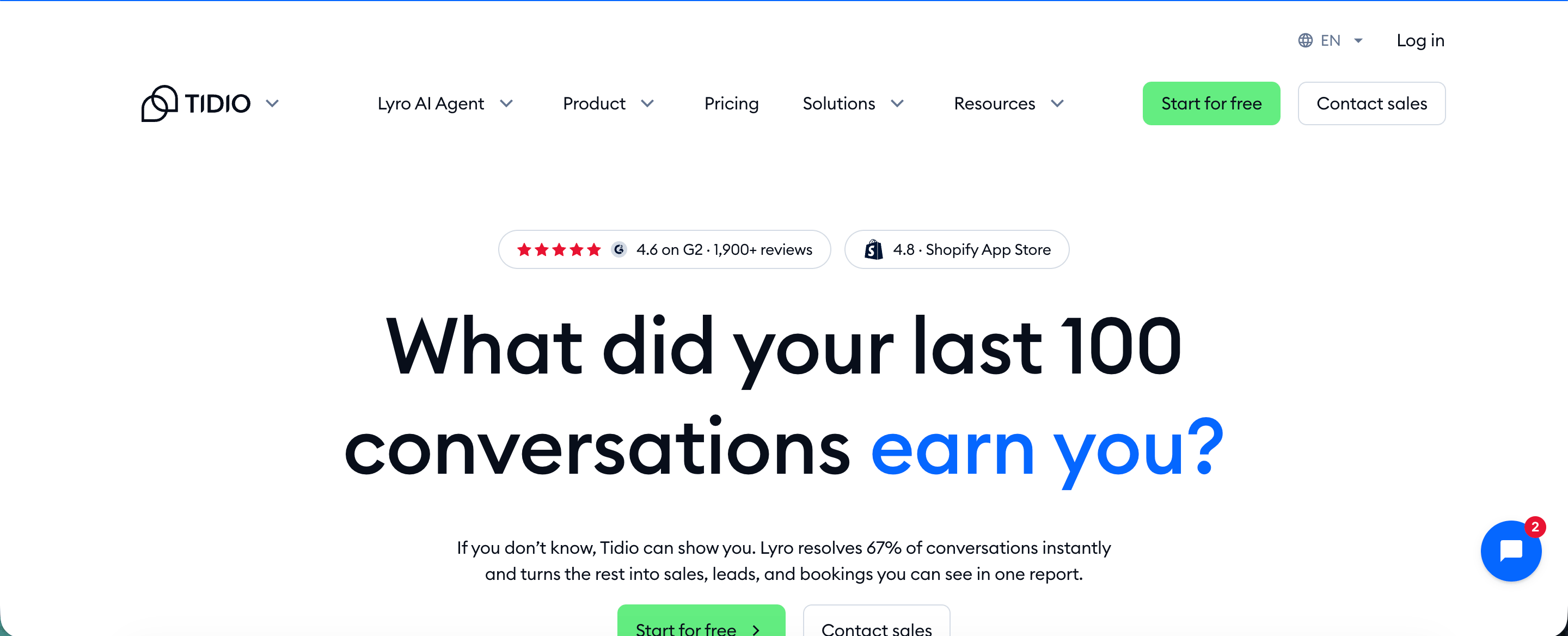
Tidio is an AI customer support platform that combines its Lyro AI Agent with live chat, ticketing, and automation. It is aimed mainly at ecommerce companies and smaller customer service teams that want AI to handle routine tasks while customer service agents remain available when human input is required.
For teams comparing different approaches, Quiq also covers how AI agents for customer service can resolve requests directly and how a digital contact center can connect AI with human support across channels.
Top features
- Lyro AI Agent: Lyro uses company support content to answer customer inquiries and ask follow up questions when it needs more context. Tidio says Lyro can resolve up to 67% of customer questions automatically.
- Actions inside business systems: Lyro can retrieve customer information, update records, process supported transactions, and trigger predefined processes instead of limiting customer service interactions to question answering.
- Connections through APIs and MCP: Businesses can connect Lyro to external APIs, databases, Shopify, Stripe, and other services using REST APIs, webhooks, JavaScript actions, or Model Context Protocol.
- Existing help desk integrations: Lyro works with platforms including Zendesk and Salesforce, which lets companies introduce AI without replacing their existing customer service software.
- Multichannel conversations: Lyro can respond through website live chat, WhatsApp, Instagram, and Messenger while using the same company knowledge across those channels.
- Human handoff: When Lyro cannot resolve an inquiry using available information, it can transfer the conversation to a human agent rather than continuing with an uncertain answer.
- Built-in support tools: Tidio includes live chat, ticketing, email management, conversation assignment, macros, permissions, and analytics for the customer service agents handling conversations that remain with the human team.
Pricing: Tidio offers a free plan with limited usage. Paid Customer Service plans start at $24.17 per month when billed annually, while Lyro AI Agent pricing starts at $32.50 per month for 50 Lyro conversations. Larger Plus and Premium deployments start at $300 per month plus usage or use custom pricing.
4. Intercom Fin AI
Intercom Fin is an AI agent for customer service that can answer questions, follow support procedures, take actions, and transfer conversations to human agents. It can run inside Intercom or alongside existing help desk software, which gives teams more flexibility when implementing AI into an established support setup.
Top features
- AI resolution across multiple channels: Fin can handle customer interactions through live chat, email, and voice. Using the same knowledge and procedures across channels can help teams maintain more consistent service quality.
- Actions inside connected systems: Fin can take approved actions through external systems instead of stopping after providing an answer. This allows the AI agent to complete more of the support process without handing every request to a person.
- Procedure based instructions: Teams can define procedures that tell Fin how to handle specific customer scenarios, including which information to collect, which steps to follow, and when a conversation needs human involvement.
- Customer context: Fin can use information from the current conversation along with available customer data. When connected to the wider support stack, past interactions can give the AI and human agents more context when assisting returning customers.
- Human handoff: Fin can transfer unresolved requests to customer service agents when it reaches the limits of its permissions or knowledge. This type of AI agent escalation is important for cases involving exceptions or decisions that still require human judgment.
- Agent Copilot: Intercom also offers Copilot to help human agents retrieve information and draft responses while they work. This is similar to the broader concept of AI assistants for customer service, where AI supports the agent rather than replacing the conversation entirely.
- Performance monitoring: Intercom provides reporting around Fin outcomes and response quality. Teams can use this information to identify weak answers, improve procedures, and enhance customer satisfaction over time.
Pricing: Fin starts at $0.99 per successful outcome. When purchased with Intercom, annual plans start at $29 per seat per month for Essential, $85 for Advanced, and $132 for Expert, with Fin usage charged separately.
5. Forethought
Forethought is a customer support platform built around a set of AI agents for automated resolution, ticket routing, agent assistance, and support analytics. It is primarily aimed at larger support organizations that already have an established help desk and want to add AI across several parts of the customer service operation.
Top features
- Solve AI agent: Forethought’s Solve agent can handle customer requests across chat, email, voice, Slack, and mobile. Its Autoflows feature lets the agent reason through company policies and complete supported processes instead of relying on fixed decision trees.
- Actions during customer conversations: Autoflows can connect AI responses with business processes, allowing Forethought to complete supported actions instead of simply recommending a help center article. This is useful when chat or another digital channel is the primary customer service channel.
- Assist for human agents: Forethought Assist works inside the help desk and can summarize tickets, suggest replies, surface knowledge, and guide agents through resolution steps. Similar AI assistants for customer service can be useful when the final decision still needs to stay with a person.
- Automated ticket classification: Forethought can classify conversations using signals such as intent, sentiment, urgency, language, and product type. These classifications can then be used to prioritize tickets and route them to the appropriate team.
- AI quality assurance: Forethought can score customer support tickets using configurable QA rubrics, with higher plans supporting more rubrics. This gives teams a way to review far more conversations than traditional ticket sampling allows.
- Customer satisfaction measurement: CSAT collection is included in Forethought’s Team plan, while its analytics can track customer satisfaction score alongside resolution outcomes, intent, and other conversation data. Teams can use the same type of customer conversation analysis to find recurring problems that may be affecting customer expectations.
- Knowledge and workflow gap detection: Its Discover tools can analyze real conversations to identify missing help content and gaps in automated processes, then recommend new articles or Autoflows to address them.
Pricing: Forethought does not publish fixed prices. Its pricing combines a platform access fee with outcome-based charges, and additional usage fees may apply when a company exceeds its purchased volume. Forethought offers Team, Professional, and Enterprise plans, with businesses required to request a quote for exact pricing.
6. Zoho Desk
Zoho Desk is a help desk platform that combines ticket management, self service, automation, and Zia, Zoho’s built in AI assistant. It is a practical option for small and midsize support teams, especially businesses already using Zoho CRM or other Zoho products.
Top features
- Zia AI assistance: Zia can summarize long tickets, draft responses, retrieve relevant knowledge, detect tone, and identify the main topics in a conversation. Agents remain responsible for the final response when using these assistance features.
- Zia Agents: Zoho now offers dedicated AI agents that can handle support use cases such as answering customer questions, analyzing sentiment, and reviewing previous resolutions. Teams can also create their own agents through Zia Agent Studio.
- Customer sentiment analysis: Zia classifies incoming responses as positive, neutral, or negative and can use those signals in workflows. This gives teams another way to understand customer behavior and prioritize conversations that may be heading toward escalation.
- Answer Bot and Guided Conversations: Answer Bot retrieves answers from the knowledge base across websites and messaging channels, while Guided Conversations lets teams create structured self service flows that can perform contextual actions.
- Automatic ticket classification: Zia can tag tickets, predict ticket fields, and trigger workflows based on incoming requests. This reduces some of the repetitive sorting work that can contribute to higher operational costs as ticket volume grows.
- Agent context and suggested replies: Zia can surface similar tickets, summarize conversation history, and recommend relevant knowledge while the agent is working. These AI assistants for customer service can help agents respond with better context without searching through several systems manually.
- Support analytics and anomaly detection: Zoho Desk can monitor unusual ticket activity, track sentiment trends, and surface frequently discussed issues. The same type of customer conversation analysis can help managers identify recurring service problems before they become widespread.
- Quality controls for agent responses: Zia can check readability, grammar, and content quality inside replies and knowledge articles. This can help with maintaining consistent service quality when many agents are responding across a large ticket queue.
Pricing: Zoho Desk offers a free plan for up to three agents, while paid plans currently start at $7 per agent per month. Zia generative AI features are available across several paid editions, and Zoho states that its native generative AI capabilities do not require a separate AI charge.
7. Help Scout
Help Scout is a customer service platform that combines shared inboxes, live chat, knowledge management, and AI features in one workspace. It is best suited to small and midsize support teams that want an accessible AI customer support tool without moving to more complex enterprise customer service systems.
Top features
- AI Answers for customer queries: Help Scout can use content from Docs and approved website sources to answer common questions directly through Beacon. If the AI cannot resolve the request, the customer can move to human support.
- Configurable AI Agents: Teams can manage each agent’s knowledge, behavior, and connections from a central configuration area. The same agent setup can also be used across multiple Beacon installations.
- AI Assist for human agents: Agents can use AI Assist to correct grammar, change response length, adjust tone, and translate replies while working inside conversations, chat, Docs, and Messages. This is an example of how AI assistants for customer service can support agents without taking ownership of the entire interaction.
- Beacon for website support: Beacon combines live chat, contact forms, knowledge articles, proactive messages, and AI Answers inside an embeddable website or app widget.
- Human escalation: AI Answers only counts a conversation as resolved when the customer receives an answer and does not request additional help. Customers can still reach the support team when the AI cannot provide enough information.
- Knowledge grounded responses: Help Scout bases AI Answers on company controlled sources rather than asking the model to answer customer queries from general knowledge. This follows the same principle used by AI agents for customer service, where access to accurate business knowledge affects how reliably the agent can resolve requests.
- Resolution reporting: Teams can review which AI conversations were resolved without human involvement and inspect individual sessions, giving managers a clearer view of where automation is working and where customers still need an agent.
Pricing: Help Scout includes AI Answers across its paid plans, with usage charged separately at $0.75 per AI resolution. New Help Scout customers currently receive a three month AI Answers trial before resolution charges begin.
8. Decagon
Decagon is an enterprise customer service platform focused on AI agents that can resolve requests across chat, email, and voice. It is designed for larger support organizations that want to automate a meaningful share of customer service while keeping human customer service agents available for exceptions and sensitive cases.
Top features
- Agent Operating Procedures: Teams can define support processes in natural language, including business rules, escalation conditions, and actions the AI is allowed to take. This gives customer experience teams more control over agent behavior without requiring engineering work for every change.
- Actions inside business systems: Decagon can connect with CRMs, help desks, knowledge bases, and internal applications so its agents can retrieve information and complete tasks. Supported examples include updating accounts, checking orders, changing subscriptions, and processing eligible refunds.
- Chat, email, and voice support: The same agent logic can be used across multiple customer service channels. Decagon Voice can also transfer calls to human agents with a conversation summary when escalation is required.
- Natural language processing for customer intent: Decagon uses natural language processing and machine learning to interpret what customers are asking rather than forcing them through predefined menu options. The agent can then combine that intent with company knowledge and customer data before choosing the next action.
- Context-preserving escalation: When the AI cannot resolve a request, it can send the conversation history, customer context, and previous resolution attempts to the person taking over. This approach to AI agent escalation reduces the need for customers to repeat the same information after a transfer.
- Decagon Assist: Human representatives can receive summaries, suggested responses, and recommended actions while handling escalated cases. Similar AI assistants for customer service are increasingly being used to support agents during conversations that still require human judgment.
- User Memory: Decagon can retain customer context across sessions, allowing agents to use previous conversation history and customer-specific information when handling future requests.
- Browser Actions: For systems without suitable APIs, Decagon can interact with browser-based applications to complete supported tasks inside internal tools and external portals. This broadens the range of processes the agent can automate.
Decagon is one example of how AI is transforming customer service from simple question answering toward actual request resolution. The tradeoff is that the platform is primarily positioned for enterprise buyers rather than smaller teams looking for a self-service product.
Pricing: Decagon does not publish fixed prices. It offers pricing based on either conversations or successful resolutions, with the final rate depending on factors such as volume and deployment requirements. Companies need to contact Decagon for a quote.
9. Ada CX
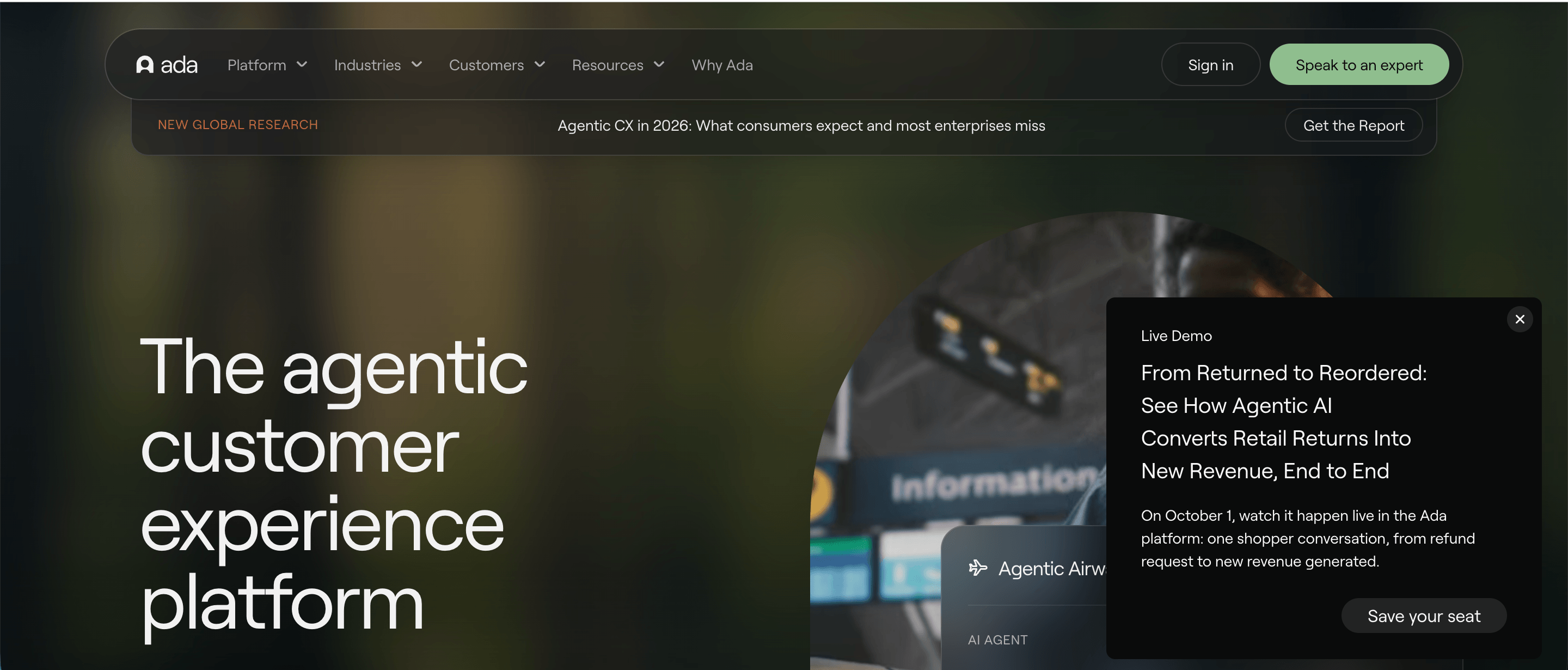
Ada is an enterprise customer service platform centered on autonomous AI agents for voice, email, messaging, SMS, and social channels. It is built for larger organizations that want AI to handle routine inquiries as well as more complex customer service functions that require data retrieval or actions inside other systems.
Top features
- AI agents across major support channels: Ada uses a shared Reasoning Engine across voice, messaging, and email, allowing teams to apply the same knowledge and operating instructions across customer touchpoints.
- Playbooks for multistep processes: Teams can define standard operating procedures that tell the AI how to work through processes such as refunds, account changes, and trial extensions using current customer data.
- Actions through connected systems: Ada integrates with platforms including Zendesk, Salesforce, NICE CXone, and Kustomer. Its Developer Toolkit also provides APIs, MCP, and SDKs for connecting additional systems and giving the agent access to approved actions.
- Voice AI without traditional menu trees: Ada Voice supports natural conversations, interruptions, context switching, and transfers to human representatives when needed. It currently supports 42 languages for voice interactions.
- Performance Center: Teams can inspect conversations, monitor automated resolution, and improve agent behavior after deployment. Coaching lets teams use feedback from previous conversations to influence future responses.
- Support for more than 60 knowledge languages: Ada expanded multilingual knowledge support in 2026, allowing global organizations to use shared knowledge across a wider set of markets.
- Built in safeguards: Ada includes controls intended to reduce unsupported responses, along with monitoring and governance tools for teams operating AI at enterprise scale. These controls are an important part of the key benefits for organizations automating higher risk customer conversations.
- Human escalation: Ada can transfer conversations into existing support systems when the AI cannot complete the request. This follows the same principle behind AI agent escalation, where automation handles supported cases while exceptions move to a person.
Pricing: Ada does not publish fixed dollar amounts. Most customers use conversation-based pricing, where each customer conversation is billable, while Ada also offers resolution-based pricing for some enterprise agreements. Exact rates depend on the contract and expected conversation volume.
10. Slite

Slite is a self-maintaining knowledge base that keeps company documentation current based on information from the company’s entire tool stack. It pairs a structured, verified wiki with an AI agent that detects when documentation has drifted from reality, proposes the fix, and routes every change through human approval before it becomes truth. Support teams use it as the internal source of truth that human agents and AI agents both draw answers from, sitting behind the customer-facing platform rather than replacing it.
Top features
- Slite Agent for automatic revisions: The agent detects stale or missing docs across Slite and 20+ connected tools, drafts the corrected text as a diff with per-edit rationale tied to the upstream source, and routes every change through a human-review triage UI before it publishes. This addresses the problem the platforms above inherit, where an AI agent grounded in outdated internal knowledge repeats incorrect information faster.
- AI-powered Ask with source citations: Natural language search that returns “no answer found” rather than inventing an answer. The Ask Insights panel surfaces questions the knowledge base could not answer, so support leads can see which policies and procedures are missing.
- Doc verification cycles: Owners set 6 month, 1 year, custom, or permanent verification cycles with automatic re-review reminders, so refund policies, escalation rules, and procedure docs carry a visible freshness state instead of ageing silently.
- Knowledge Management Panel: A single dashboard of outdated, expired, and empty docs, with bulk cleanup filters and usage analytics showing which articles agents actually use.
- Native integrations with 20+ tools: Slack, Google Drive, Linear, GitHub, Jira, HubSpot, Attio, Intercom, Confluence and others feed context into the knowledge base, so documentation reflects what is happening in the systems the company already runs on.
- MCP and API access on every plan: Full MCP read and write access plus Markdown-native docs let external AI agents such as Claude, ChatGPT, and Cursor browse the knowledge base, draft changes, and propose edits directly, which makes the same documentation usable as a context layer for AI agents and for people.
- Rich editor with permanent version history: Tables, flowcharts, Excalidraw diagrams, LaTeX, code blocks, image and Loom embeds, templates, and collections, with version history retained indefinitely.
- Security and compliance: SOC 2 Type II, HIPAA on Pro, GDPR, an EU-hosted option, and SSO with SCIM on Enterprise.
Slite does not handle customer conversations and is not built for externally branded, public-facing help centers, so it complements the platforms above rather than competing with them. It suits support organizations and AI-driven teams that want a centralized single source of truth their AI agents can use as a context layer, with the internal policies, procedures, and escalation rules kept accurate while the support platform owns the customer-facing channels.
Pricing: Slite is $10 per user per month on Basic and $20 per user per month on Pro, both billed annually ($12 and $25 on monthly billing). The Slite Agent and agent workflows are included on Pro, and Enterprise pricing is custom. There is no free plan, and new teams start with a 14-day trial.
Improve your customer service operations with Quiq
AI customer service works best when it can do more than answer routine questions. The bigger opportunity is giving AI agents access to the knowledge, systems, and approved actions they need to resolve customer requests while keeping human agents involved when judgment is required.
Quiq brings those pieces together in one platform. Teams can deploy AI agents across digital channels and voice, assist human representatives during live conversations, connect AI to business systems, and analyze conversations to see where support performance can improve.
If you are looking for a practical way to introduce AI into customer service without losing control over the customer experience, book a demo with Quiq to see how the platform can fit into your current support operation.


