


RCS business messaging is a step above the SMS messaging that comes standard on Android devices. RCS Messaging provides an enhanced messaging experience with features including branding, rich media, interactivity, and analytics. With Quiq’s messaging platform, you can use RCS to manage and deliver visually rich customer experiences that will reduce inquiries and help boost sales.
RCS Business Messaging
Take CX to the next level
with Google RCS Business
Messaging.
Trusted by leading CX-obsessed brands.










Enrich your customer messages.
Create a rich, asynchronous messaging experience that delights customers and drives business
results with Google’s RCS Business Messaging mobile conversation channel.
What is RCS Business Messaging?
Take customer communication from reliable to remarkable.
For years, SMS has dominated the way we communicate via mobile. But, while it’s still one of the most reliable business channels, it isn’t the most captivating. RCS Business Messaging takes the SMS messaging your customers know and love and upgrades it with rich messaging features to deliver more engaging customer experiences.
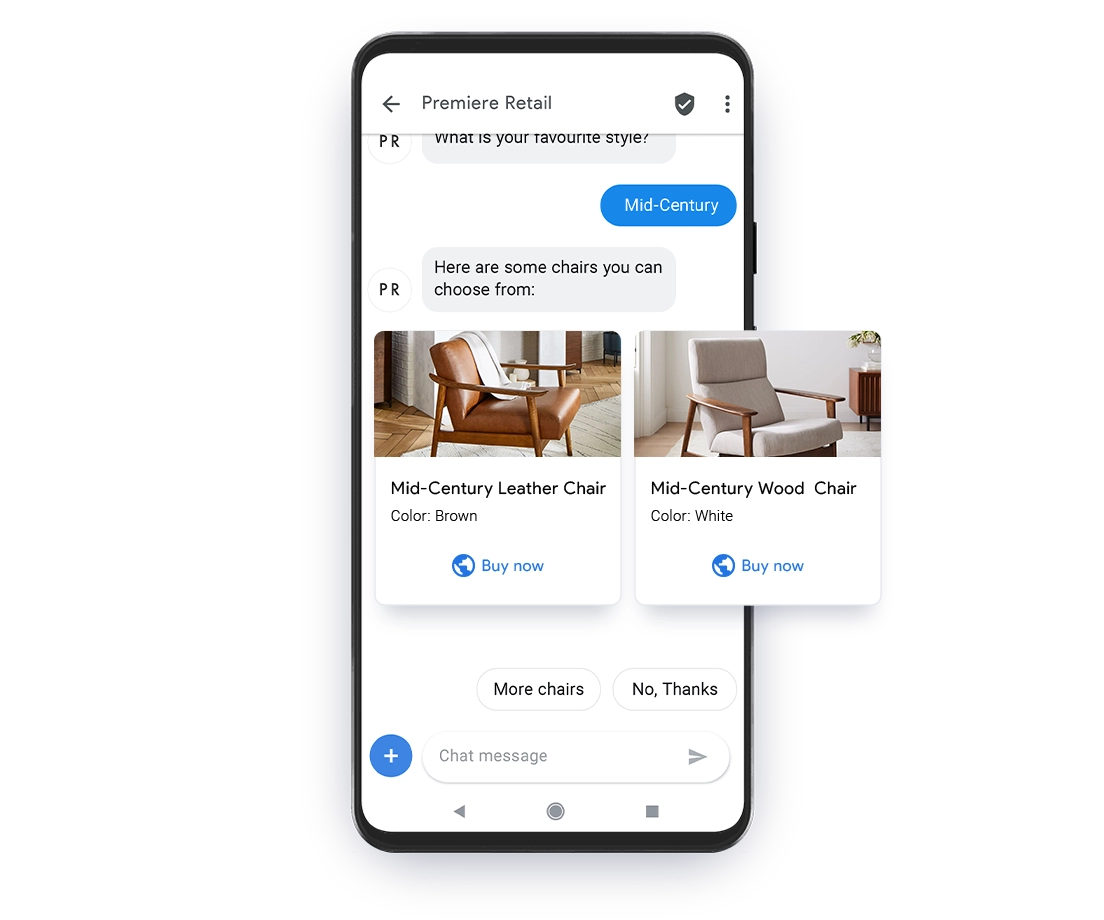
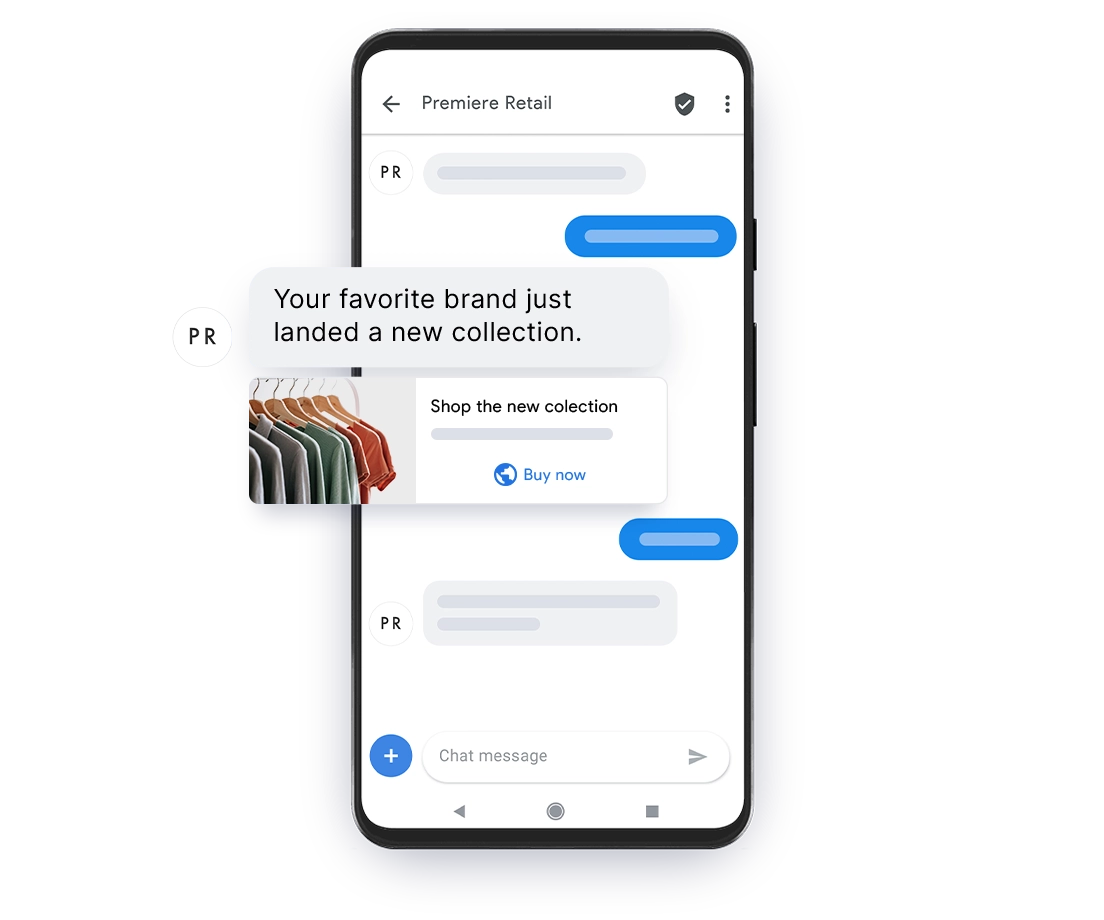
When you enable RCS Business Messaging with Quiq, you can bring your customers vibrant conversational experiences with features such as:
- Company branding
- High-resolution images and video
- Read receipt with timestamp
- Quick replies
- Carousels
- Secure forms
- Post-conversation surveys
How Businesses Succeed with Quiq’s RCS
74%
are more likely to engage with a brand through RCS
72%
are more likely to purchase online if they can ask questions in real-time
35x
more likely to read RCS messages then emails

By introducing RCS, Overstock.com has created a superior customer experience, personalizing interactions with customers and engaging them at their convenience.
Jimmy Budnik
VP of Customer Care
Enable RCS Business Messaging and take your CX to the next level.
Uplevel your Business with Quiq’s RCS
Superior interactions help your business stand out to digital-first customers. Higher-quality images and videos
make for a better experience. But what really takes RCS Business Messaging to the next level are the rich
interactions that give customers the experience they’ve come to expect.
The best part is, customers can engage with these interactive elements in the messaging app they’re already
familiar with.
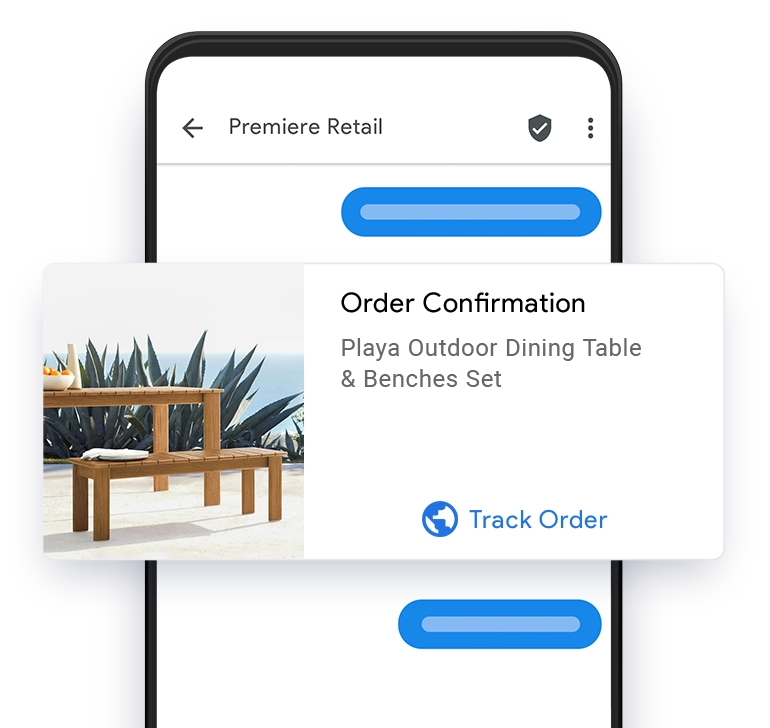
Order confirmations
Send customers a confirmation message and allow them to track their package for greater peace of mind and fewer inquiries.
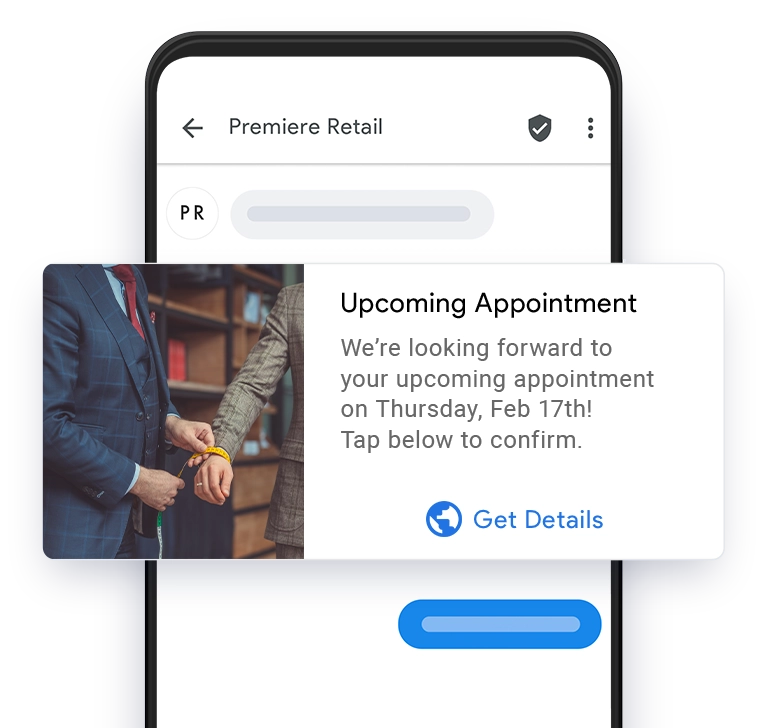
Appointments
Remind customers of upcoming appointments by alerting them of their scheduled date and time.
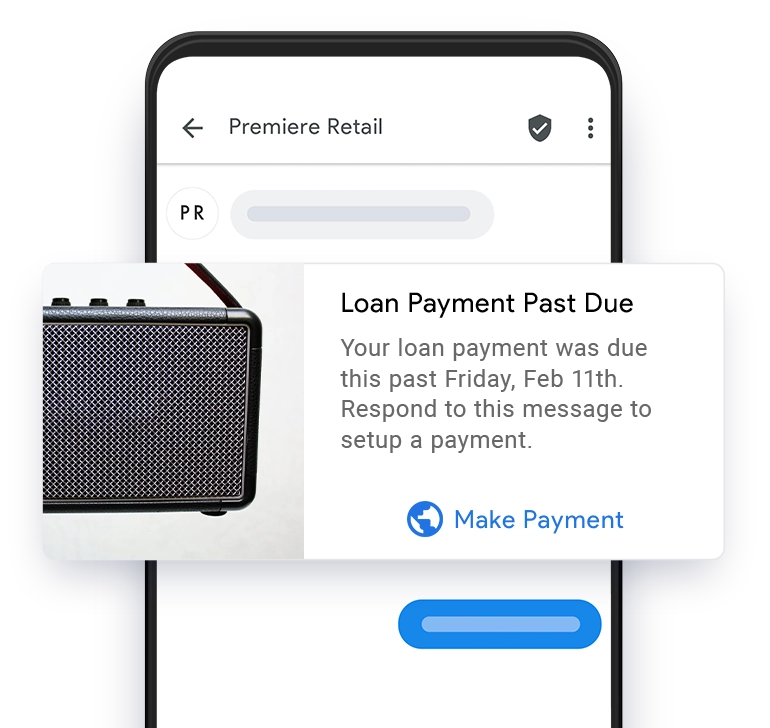
Payment notifications
Notify customers of pending or overdue due payments with a branded message and an easy external link to make a payment.
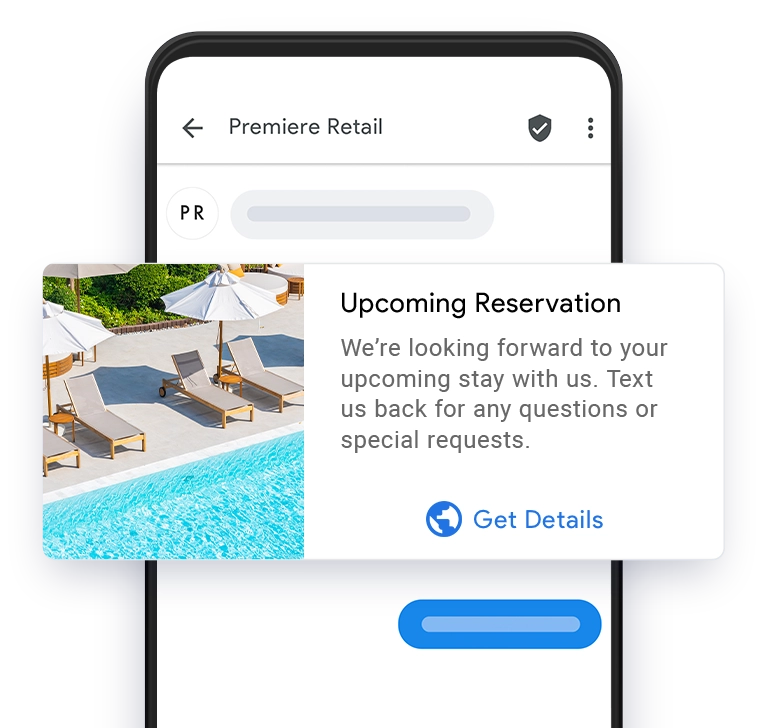
Reservations
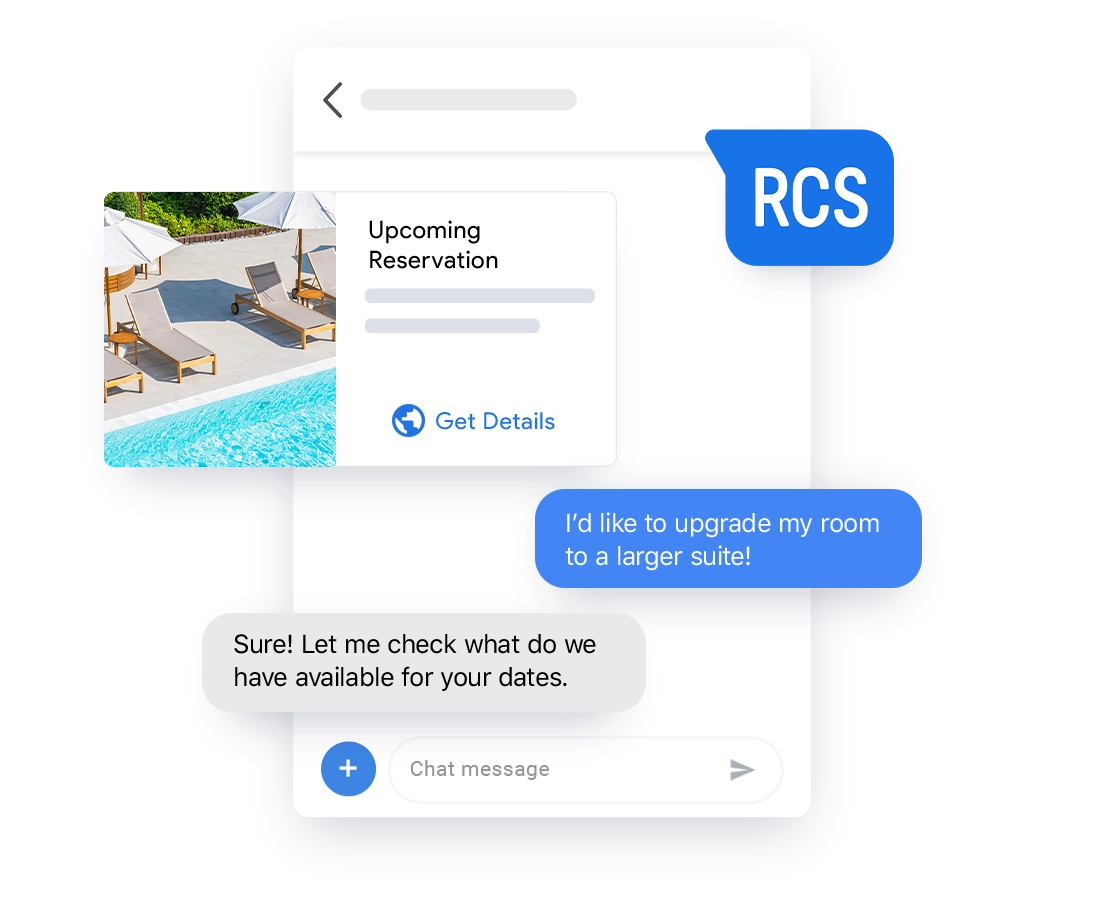
Maintain a high-quality branded experience throughout guest interactions. Help them easily find your business with rich cards.
What’s the difference between
Google RCS Business Messaging
and Google’s Business Messages?
Google RCS Business Messaging upgrades SMS with branding, rich media, interactivity, and analytics. With RCS, businesses can bring branded, interactive mobile experiences to the default messaging app.
Google’s Business Messages has the same functionality but is most commonly accessed when consumers search from mobile entry points like Google Maps and Search, versus RCS Business Messaging, which includes outbound capabilities sent from a business to a mobile phone number.
Want help deciding which service makes the most sense for you and your customers? At Quiq, we work with you to customize your business messaging to meet your unique needs.
Rely on Quiq as your partner for
Google RCS Business Messaging.
To enable RCS Business Messaging, your business must work with a Google-approved partner. As a certified RCS Business Messaging provider, Quiq can get you up and running fast with rich, branded customer experiences.
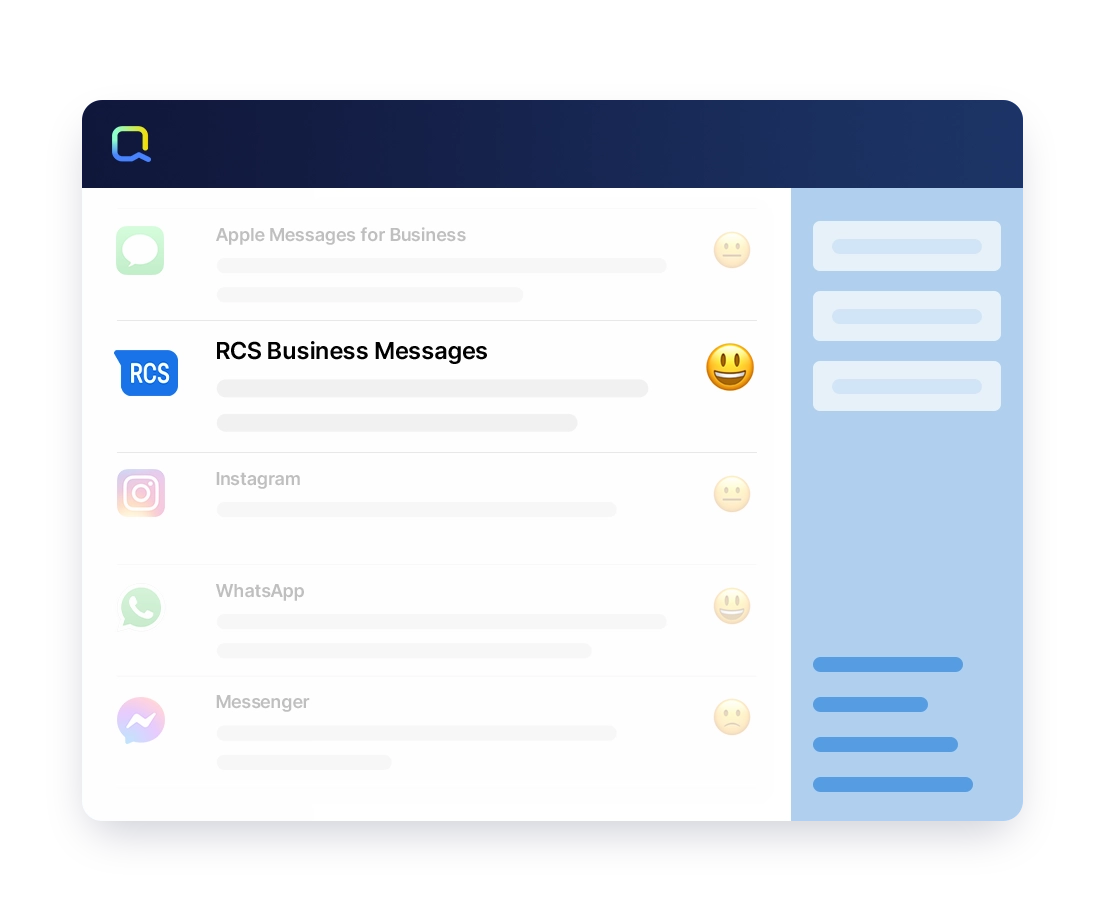
Our AI-powered platform unifies conversations from every channel into one intuitive dashboard, helping agents manage more customers with less effort
Find out how to upgrade your CX and make each interaction come alive with Quiq and RCS.
Frequently Asked Questions (FAQS)
RCS Business Messaging increases engagement with features like carousels, buttons, images, and verified sender profiles—creating a more secure, app-like experience without requiring customers to download anything
RCS Business Messaging is Google’s enhanced messaging protocol that upgrades traditional SMS with richer media, branded elements, and interactive features. It allows businesses to send more engaging, secure, and personalized messages through customers’ default messaging apps.
An RCS Business Messaging agent is the branded conversational interface customers interact with. It can be powered by a live agent, automation, or AI. The agent handles everything from sending rich media and interactive prompts to managing real-time, two-way conversations.
RCS Business Messages is supported on Android devices that use Google’s Messages app or RCS-compliant carrier apps. iOS does not currently support RCS Business Messaging.